Redirect Chain Checker

Enter any URL and trace the full redirect chain instantly, see every hop, HTTP status code, and get alerted to issues that could be hurting your SEO.

How to Check a Redirect Chain

1

Enter the URL

Paste any URL you want to test for redirects.

2

Click Check Redirects

Click Check and the tool follows every redirect in the chain.

3

Review the Chain and Issues

See every 301, 302, or 307 hop and the final destination URL.
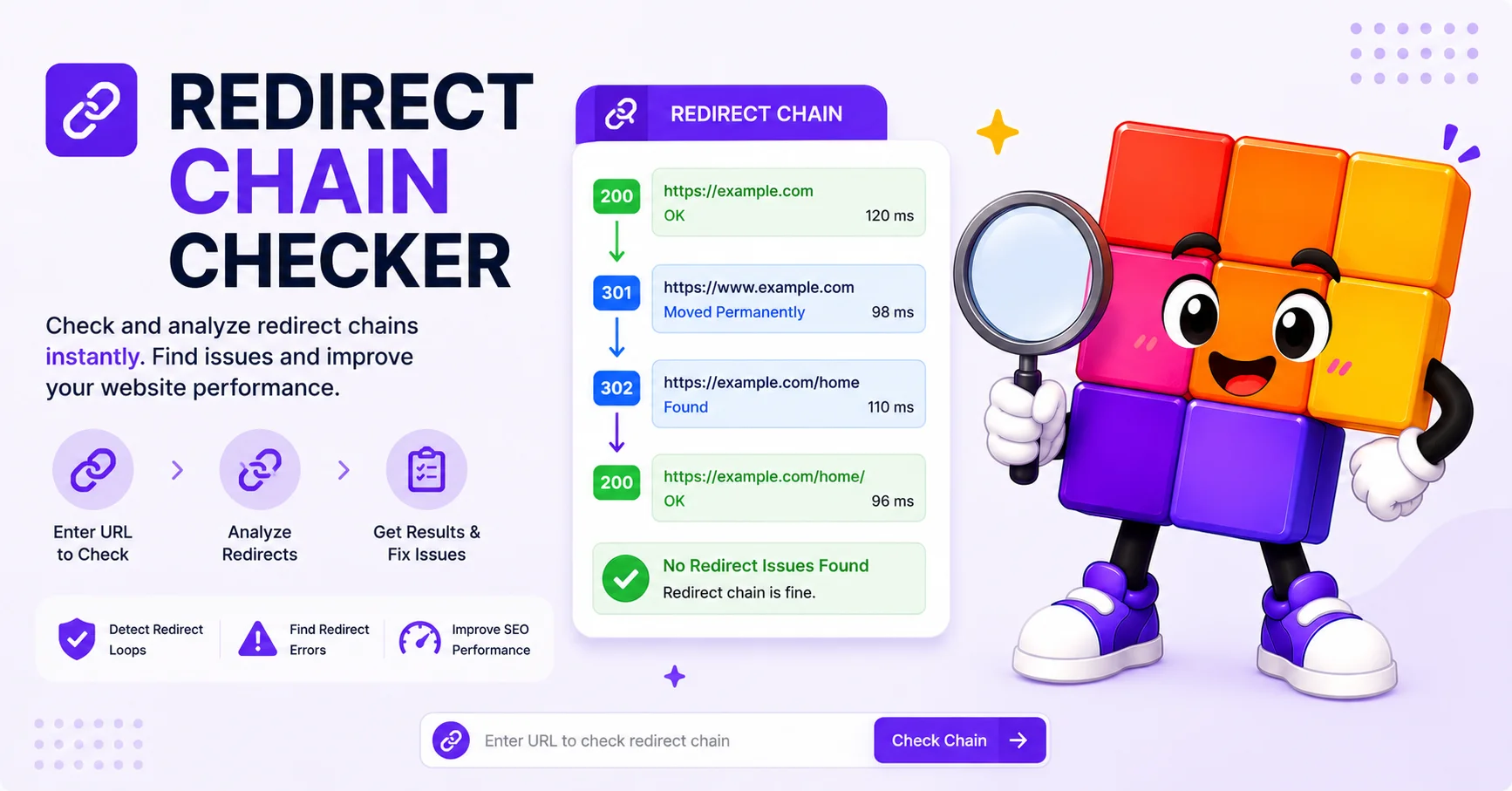
Redirect Chain Checker

See Every Hop in a Redirect Chain

Long redirect chains slow page loads and bleed link equity to nothing. The checker follows every 301, 302, and 307 hop in order, so you can spot which redirect is unnecessary and which one is dropping your SEO juice.

Critical after site migrations, HTTPS upgrades, and URL restructures where two or three legacy redirects often pile up unnoticed.

What This Tool Checks

Full Redirect Chain

Traces the complete redirect path hop by hop, up to 10 hops, showing every intermediate URL and its HTTP status code (301, 302, 307, 308, etc.).

Loop Detection

Automatically detects redirect loops, where a URL redirects back to a URL already in the chain, which would cause infinite redirect errors in browsers.

Mixed HTTP/HTTPS Detection

Flags redirect chains that pass through both http:// and https:// URLs, which can cause security warnings and is bad for SEO link equity.

Long Chain Warning

Warns when a chain has 4 or more hops. Each extra redirect adds latency and reduces the PageRank passed through the chain to the final destination.

Frequently Asked Questions

Common questions about redirect chains and SEO.

What is a redirect chain?
A redirect chain occurs when a URL redirects to another URL, which then redirects to another, creating a series of hops before the final destination is reached. For example: URL A → URL B → URL C → Final Page. Each extra hop adds latency and dilutes link equity passed through the chain.
What is the difference between a 301 and 302 redirect?
A 301 (Permanent Redirect) tells search engines that the move is permanent and transfers most of the original page SEO value to the destination. A 302 (Temporary Redirect) indicates a temporary move and search engines may continue to index the original URL. Use 301 for permanent moves and 302 only for genuinely temporary redirects.
How many redirects are too many?
Google recommends keeping redirect chains to a maximum of 3-5 hops. This tool flags chains with 4 or more redirects. Beyond 5 hops, Googlebot may stop following the chain entirely, leaving the final destination unindexed. Browsers like Chrome also have a hard limit of around 20 hops before showing an error.
What causes a redirect loop?
A redirect loop occurs when a URL redirects back to a URL already in the chain, creating an infinite loop. Common causes include misconfigured .htaccess rules, incorrect HTTPS redirect settings, or CDN/reverse proxy misconfigurations. This tool detects loops and stops tracing to prevent an infinite request cycle.
Scroll to Top