
Merge PDF Online
Join multiple PDF documents into one file in just minutes. Simple, quick, and easy to use.
Merge PDF Files
Drag & drop multiple PDFs here to combine them.
How to Combine PDF Files
Put your PDFs together in three easy steps.
Add Your PDF Files
Drag and drop your PDF files into the box, or click to choose them from your computer. You can add as many PDFs as you need.
Arrange in Your Preferred Order
Move your PDFs to organize them exactly how you want. Check the preview to make sure everything looks good.
Combine and Save
Click the Merge PDF button and your new
PDF will be ready.
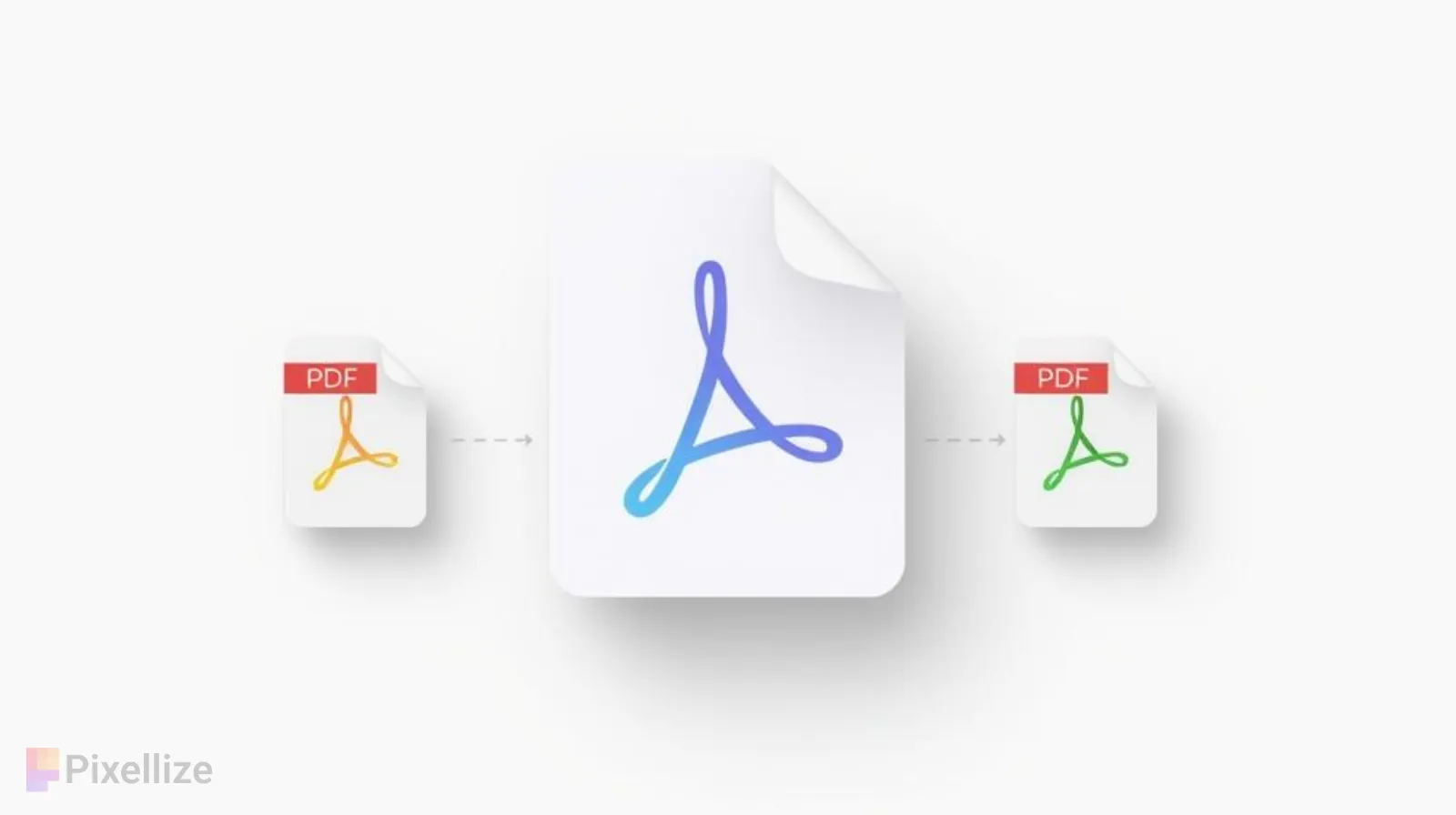
Merge PDF Online — Quick and Safe
Pixellize helps you merge PDF files online into one document in seconds. Upload your files, arrange them the way you like, see a preview of all pages, and download your merged PDF. No registration needed.
What Does Merging PDFs Mean?
When you merge PDF online, you’re taking two or more separate PDF documents and joining them into a single file.
This is really helpful when you have related documents that belong together — like school projects, work reports, bills, or scanned pages. Instead of sending or keeping track of many separate files, you can have everything in one neat document.
Why Choose Pixellize for Combining PDFs?
Pixellize makes combining PDF files easy and simple. Everything happens right in your web browser, so it’s fast and keeps your documents private.
What Makes It Great:
- Drag and drop: Move your PDFs around easily to get them in the right order.
- See before you combine: Preview all your pages to make sure everything looks right.
- Your files stay private: Everything happens on your device — nothing gets uploaded to a server.
- No restrictions: Combine as many PDFs as you need without any watermarks.
- Works everywhere: Use it on your computer, tablet, or phone.
- No sign-up required: Start using it right away without creating an account.
When Would You Need to Combine PDFs?
Here are some common situations where combining PDFs comes in handy:
- Turning in multiple documents as one file for school or work
- Putting scanned pages together into a single document
- Making a complete report or presentation
- Joining invoices, bills, or receipts together
- Organizing contracts or important papers
If you work with PDFs often, being able to combine them quickly saves you time and keeps everything organized and professional-looking.
Explore Other Helpful Tools
Choose any tool from the list below to get started.
Frequently Asked Questions
How do I merge PDF online using Pixellize?
It's really simple! Just upload your PDF files by dragging them into the box or clicking to select them. Then arrange them in the order you want by dragging them around. Finally, click the merge button and download your combined PDF file. The whole process takes just a few minutes.
Is it safe to merge PDF online with Pixellize?
Yes, it's completely safe! All the merging happens right in your browser on your own device. Your files never get uploaded to our servers or anyone else's computers. This means your documents stay private and secure with you.
How many PDF files can I merge at once?
You can merge as many PDF files as you need! There's no limit on the number of documents you can combine. Whether you have 2 files or 20 files, Pixellize can handle them all in one go.
Will there be watermarks on my merged PDF?
No watermarks at all! Your merged PDF will be clean and professional, with no logos, stamps, or markings added. What you upload is what you get, just combined into one document.
Can I change the order of my PDFs before merging?
Absolutely! That's one of the best features. After uploading your files, you can drag and drop them to arrange them in any order you like. You can also preview all the pages to make sure everything looks perfect before you merge them.