
Excel to CSV
Convert your Excel (XLS or XLSX) files into clean, lightweight CSV format
instantly — no software, no sign-up, completely free.
Preview Your Data
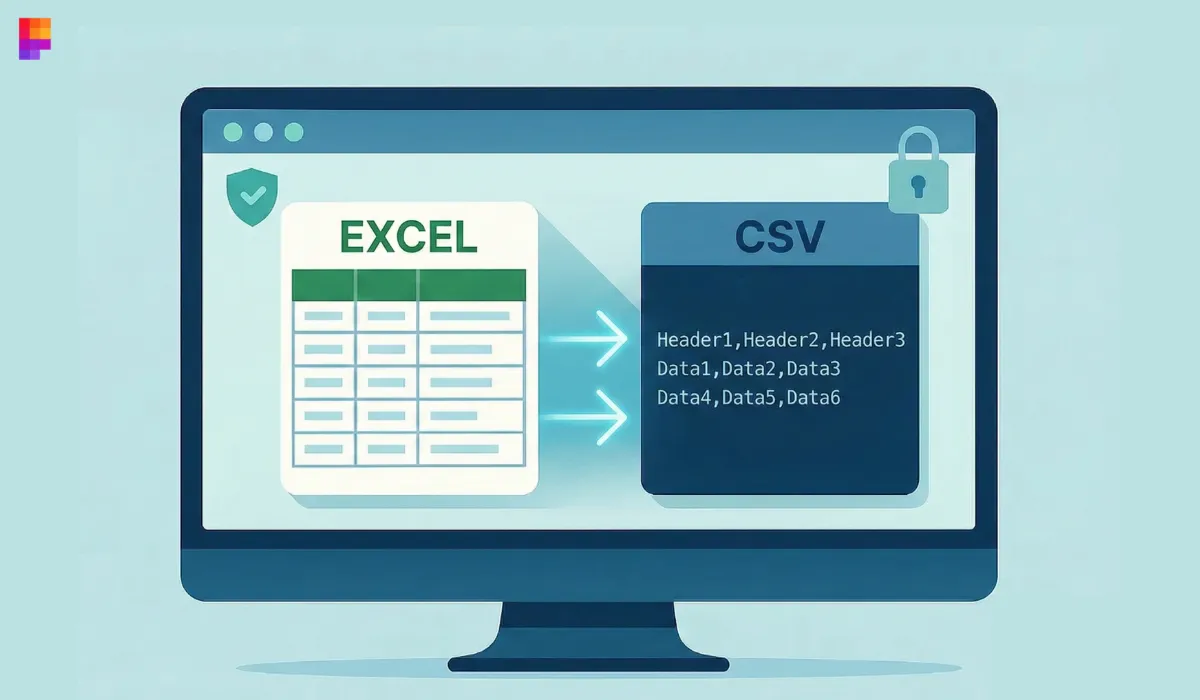
Free Excel to CSV Converter Online
Convert your Excel spreadsheets into clean, universally compatible CSV files in just one click. Simply upload your Excel file, and get an optimized CSV output instantly — perfect for databases, automation tools, and data processing workflows.
How to Use the Excel to CSV Converter
Convert any Excel workbook into a clean CSV file in just three simple steps.
Upload Excel File
Upload your .xls or .xlsx file. The tool automatically detects sheets and reads your data accurately.
Convert Instantly
Once uploaded, your Excel file will be converted into structured CSV format automatically.
Download CSV File
Preview your converted data, then download the CSV file instantly with a single click.
What is an Excel to CSV Converter?
An Excel to CSV Converter is a simple tool that transforms spreadsheet files (.xls or .xlsx) into CSV format. Excel files contain multiple sheets, formulas, and formatting — while CSV files store clean row-and-column data that can be easily processed by applications, databases, and automation systems.
Why Use the Pixellize Excel to CSV Tool?
Pixellize simplifies the entire conversion process. Instead of using heavy software or dealing with formatting issues, you can turn your Excel spreadsheets into clean CSV files instantly. This tool ensures accuracy, speed, and complete privacy.
Key Benefits Include:
- Instant conversion: Upload your Excel file and get a CSV version immediately.
- Accurate formatting: Preserves row structure and handles large files smoothly.
- Privacy-first: All processing happens in your browser — nothing is uploaded to a server.
- Supports XLS & XLSX: Works with all modern and legacy Excel formats.
- Universal compatibility: CSV files work with databases, scripts, APIs, and automation tools.
- Completely free: No limits, no sign-up, no hidden fees.
When Should You Convert Excel to CSV?
Excel to CSV conversion is essential when you need lightweight, standard, machine-readable data. Common use cases include:
- Importing data into SQL databases
- Uploading products to eCommerce platforms
- Feeding data into APIs and automation tools
- Cleaning large datasets for scripts or machine learning workflows
- Ensuring cross-platform compatibility
Whenever you need a simple, consistent, and system-friendly format — CSV is the best choice.
Start Converting Excel to CSV for Free
Upload your Excel file and get a ready-to-download CSV version in seconds. Fast, secure, accurate, and always free — experience effortless Excel to CSV conversion with Pixellize.
More Tools Like This
Discover more smart converters to transform and manage your
Excel data effortlessly across multiple formats.
Frequently Asked Questions
What is an Excel to CSV Converter?
An Excel to CSV Converter is a tool that transforms Excel files (.xls or .xlsx) into CSV format. CSV files use plain text and commas to separate values, making them ideal for databases, scripts, automation tools, and system imports.
Is this Excel to CSV Converter free to use?
Yes! The Pixellize Excel to CSV Converter is 100% free to use. There are no limits, no sign-up requirements, and no hidden charges.
How do I convert an Excel file to CSV?
Simply upload your .xls or .xlsx file into the tool. The converter processes your data instantly and provides a downloadable CSV file within seconds.