
Resize Image to 3.5cm x 4.5cm
Create perfectly sized 3.5cm × 4.5cm ID photos with accurate resizing and optimized file size.
Choose your photo
Click to browse or drag and drop your image file
How to Resize Photo to 3.5cm × 4.5cm
Create a perfect passport-size photo in just three simple steps.
Upload Your Photo
Choose any image from your device. JPG and PNG formats are fully supported.
Auto Resize & Adjust
The tool resizes your image to 3.5 × 4.5 cm with smart cropping, white background fill, and optional compression.
Download Instantly
Download your high-quality passport photo, ready for printing or online submission.
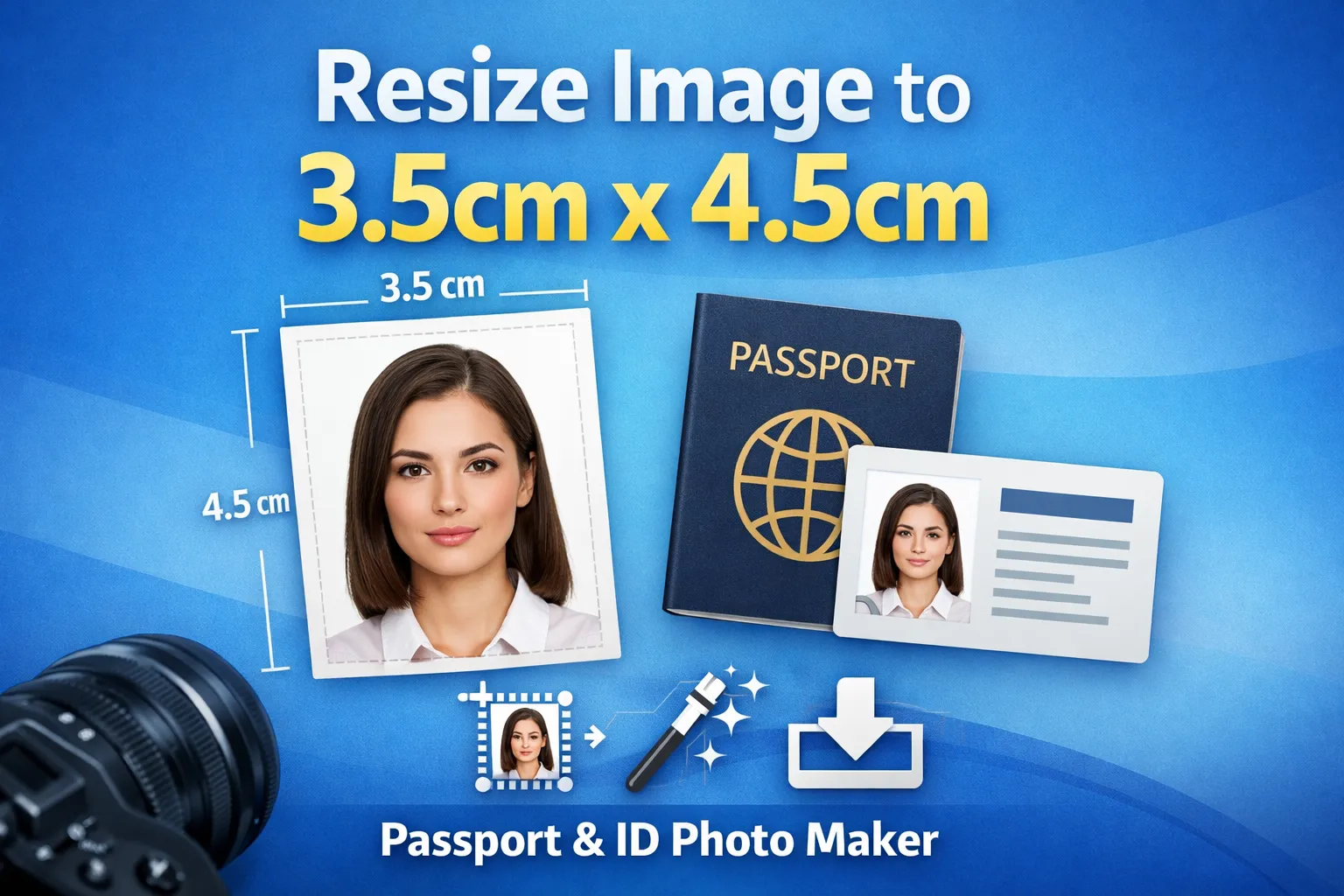
Resize Image to 3.5cm × 4.5cm Online
Instantly resize your photo to the official 3.5cm × 4.5cm format used for passports, visas, job applications, and ID cards. Pixellize automatically adjusts dimensions, background, and quality — all directly in your browser with no uploads required.
What Is a 3.5cm × 4.5cm Photo?
A 3.5cm × 4.5cm photo is a standard passport and ID photo size used in many countries for official documents such as passports, visas, residence permits, and government forms.
Why Use Pixellize Passport Photo Resizer?
Pixellize removes the guesswork from passport photo resizing. You don’t need Photoshop or any design skills.
Key Benefits:
- Exact dimensions: Pixel-perfect 3.5 × 4.5 cm output.
- Smart cropping: Keeps face centered and properly framed.
- White background: Meets official photo requirements.
- File size control: Compress image to required KB limits.
- Privacy-friendly: All processing happens in your browser.
- Free to use: No signup, no watermark.
Who Can Use This Tool?
- Passport and visa applicants
- Students applying for colleges or exams
- Job seekers submitting ID photos
- Government and official form submissions
- Anyone needing accurate ID photo sizing
Resize Your Passport Photo Online — Free
Upload your photo, resize it to 3.5cm × 4.5cm, and download a ready-to-use image in seconds. Fast, accurate, and completely free.
Frequently Asked Questions
What is the standard 3.5cm × 4.5cm photo size used for?
The 3.5cm × 4.5cm photo size is commonly used for passports, visas, government ID cards, job applications, and official documents in many countries.
Can I resize my photo to 3.5cm × 4.5cm online for free?
Yes. Pixellize allows you to resize images to the official 3.5cm × 4.5cm size completely free, with no registration or watermark.
Will my photo meet passport and visa requirements?
Yes. The tool uses accurate dimensions, white background filling, and smart cropping to ensure your photo meets common passport and visa photo standards.
Can I control the file size in KB?
Yes. You can enable compression and set a target file size in KB, making it ideal for online form uploads that have strict size limits.
Is my photo safe and private?
Absolutely. All photo processing happens directly in your browser. Your images are never uploaded to any server.
Which image formats are supported?
You can upload JPG, JPEG, and PNG images. The final resized photo is downloaded in high-quality JPG format.