
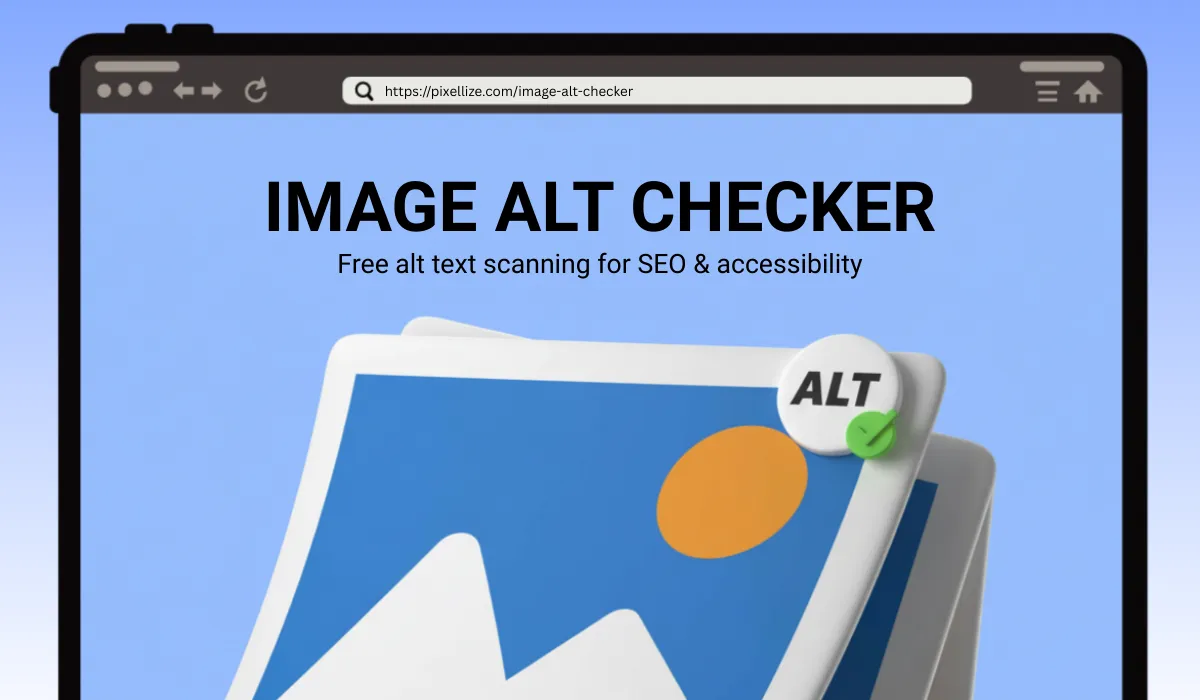
Images make websites more engaging—yet many site owners overlook their alt text. Without good alt text, images are invisible to search engines and screen readers. That’s why our Image Alt Checker exists: to help you quickly discover missing or weak alt text, fix them, and make your site both SEO-friendly and accessible.
In this post, you’ll learn:
- What alt text is and why it matters
- How to write effective alt attributes
- How to use the Image Alt Checker tool step-by-step
- Best practices & common mistakes to avoid
What Is Alt Text (Alternative Text) & Why It Matters
Alt text, short for alternative text, is an HTML attribute you put on <img> tags to describe what an image shows. If the image fails to load, the alt text is displayed instead—or read aloud by a screen reader.
Why it matters:
- SEO Signal: Search engines can’t “see” images, so alt text gives them context, improving your chances to rank in Google Images.
- Accessibility: For users who rely on screen readers (e.g. visually impaired), alt text ensures they understand what the image is about.
- Fallback Content: If an image doesn’t load (slow network, broken link), the alt text can convey its meaning.
However, not every image needs detailed alt text. Decorative images (those that don’t add meaning) can use an empty alt (alt="") so screen readers skip them.
How to Write Good Alt Text: Best Practices
Here are tips to make your alt text more effective:
- Be concise but descriptive
Ideally under ~125 characters. Anything longer may be cut off by screen readers. - Focus on what’s important
Describe the key subject or action in the image—don’t include redundant words like “image of” or “picture of.” - Use relevant keywords naturally
If it makes sense in context, include keywords—but don’t stuff them. The primary goal is clarity and relevance. - Match the context
The alt text should reflect how the image is used on the page. The same image might require different alt text in different contexts. - Skip decorative images
Use empty alt (alt="") for images that are purely decorative—this tells screen readers to ignore them.
Examples:
- Bad:
<img src="puppy.jpg" alt="puppy"> - Better:
<img src="puppy.jpg" alt="Golden retriever puppy playing fetch"> - Best (in context):
<img src="laptop.jpg" alt="Open laptop with code editor on screen">
How to Use the Image Alt Checker (Step by Step)
Our Image Alt Checker tool makes the process simple. Here’s how:
- Go to https://pixellize.com/image-alt-checker
- Enter your page URL
Paste the full URL (e.g.https://yourdomain.com/page) into the tool. - Run check
The tool scans all images on that page and categorizes them into:- All Images
- Alt Missing (no alt text)
- Warnings (alt text is too short or too long)
- Success (alt text in ideal length range)
- Review results
You’ll see a table with each image’s preview, alt text, URL, and character count. Color-coded counts help you see which need attention. - Download CSV
Export the results in a CSV file to share or track fixes. - Fix alt text
Based on what you find, go to your site’s CMS or HTML and update the alt attributes accordingly.
This tool helps you spot issues fast — you don’t have to inspect each image manually.
Real Benefits You’ll Get
- Improved SEO: Proper alt text helps your images be discovered in search, increasing traffic.
- Better accessibility: Users with visual impairments will have a richer experience.
- Content quality signal: Search engines reward well-structured sites.
- Content audit readiness: With CSV export, you can track, assign, and fix problems over time.
Many sites have dozens—even hundreds—of images with missing or weak alt text. Running regular audits is a smart way to stay ahead.
Common Mistakes to Avoid
| Mistake | Reason It’s Problematic |
|---|---|
| Keyword stuffing | Looks spammy; hurts readability and can be penalized |
| Starting with “Image of …” or “Picture of …” | Redundant and unnecessary |
| Alt text too long | Screen readers may truncate or skip |
| Missing alt on meaningful images | Loses SEO context; inaccessible |
| Using decorative images with alt text | Confuses screen readers; unnecessary description |
Final Thoughts
Optimizing alt text is often overlooked, but it’s an easy win that improves both SEO value and user experience. Use the Image Alt Checker regularly—especially after adding new images—to catch and correct issues early.
Try it now and make sure your site is accessible and discoverable:
👉 Image Alt Checker
Frequently Asked Questions
What is an Image Alt Checker?
An Image Alt Checker is a tool that scans your webpage to find images with missing, empty, or poorly written alt text. It helps improve both SEO and accessibility.
Why is alt text important for SEO?
Alt text helps search engines understand your images. With the right alt text, your images can appear in Google Images, improve keyword relevance, and boost overall rankings.
How long should an alt text be?
Alt text should ideally be under 125 characters. It needs to be descriptive but concise, focusing on the main details without unnecessary words like “image of.”
Can this tool detect missing alt attributes?
Yes! The Image Alt Checker identifies images with missing alt text, overly long descriptions, and well-optimized attributes, so you can fix issues quickly.
ow can I use the Image Alt Checker for my website?
Simply enter your website URL into the tool. It will scan all images, categorize them into missing, warning, and success groups, and let you download a CSV report for easy review.

Pixellize
We're Pixellize Team, a group of digital creators and developers who are passionate about developing free online tools that can be easily utilized by everyone. We also share tips on working smarter and faster!
Related Post
Online PDF Reader – View and Read PDFs Instantly
In today’s fast-moving digital world, PDFs are everywhere — from office documents and study materials to invoices, resumes, and eBooks....
Pixellize
February 22, 2026
5 Min Read
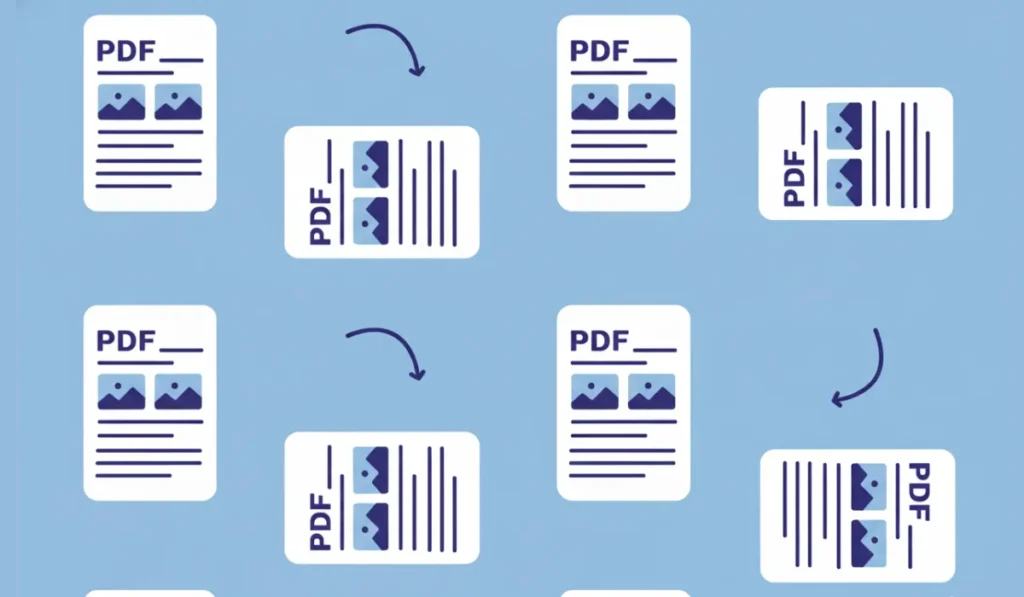
How to Rotate PDF Pages Online (Step-by-Step Guide)
PDF files are great for sharing documents, but sometimes pages don’t appear the way they should. You might open a...
Pixellize
January 4, 2026
4 Min Read
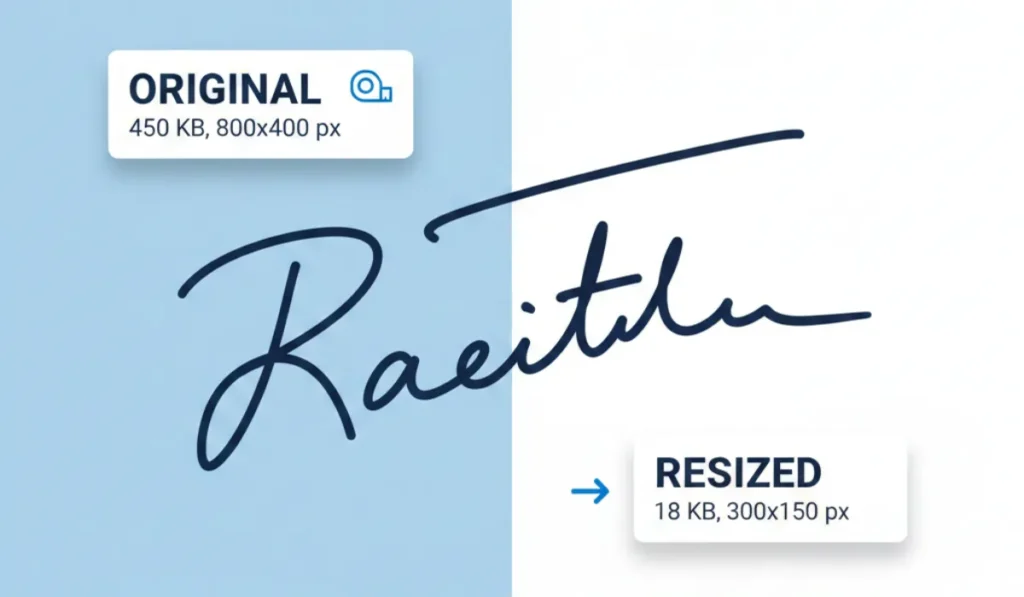
How to Resize Signature Images to 20KB & 50KB
If you have ever tried to fill out a government job application, a visa form, or a college registration, you’ve...
Pixellize
December 31, 2025
4 Min Read