

Do you want to know what theme a WordPress website is running? Perhaps you want your blog or business website to look like a website you like. It is quick and simple to find out with our WordPress Theme Detector tool.
WordPress Theme Detector: What Is It?
A WordPress theme detector is an online tool that determines the WordPress theme being used by examining the source code of a website. Additionally, it looks for the theme version, author details, active plugins, and other important information.
Simply enter the URL of your website to receive a comprehensive report in a matter of seconds with Pixellize.
How Does Pixellize WordPress Theme Detector Work?
Using our tool is simple:
- Go to Pixellize Theme Detector.
- Paste the WordPress website URL you want to inspect.
- Click “Detect Theme”.
Within moments, you’ll see:
- The theme name and version
- Author information and theme URL
- All active plugins with descriptions and download links
- Hosting information and WordPress version
No technical skills are required. The tool does all the hard work for you.
Why Use a WordPress Theme Detector?
Here are some reasons why this tool is useful:
- Inspiration: See what theme other websites are using and find ideas for your own site.
- Competitive Research: Analyze competitor websites to understand their setup.
- Easy for Everyone: Perfect for bloggers, freelancers, and WordPress beginners.
- Save Time: Quickly get all theme and plugin details without manually checking the code.
Who Can Benefit from This Tool?
Our WordPress Theme Detector is great for:
- Bloggers and content creators looking for attractive themes
- Freelance web designers checking clients’ or competitor sites
- WordPress enthusiasts exploring popular themes and plugins
- Agencies and developers planning projects based on industry trends
Pixellize Theme Detector’s salient features
- Identifies the author, version, and name of a WordPress theme
- provides a list of all available plugins along with download links, descriptions, and banners.
- displays the hosting information and WordPress version.
- Works with any publicly accessible WordPress website and delivers results quickly.
Final Remarks
Pixellize WordPress Theme Detector makes it simple to find themes and plugins. Our tool produces precise, quick, and thorough results whether you’re looking for inspiration, conducting competitive research, or simply sating your curiosity.
Try it out now to see the entire WordPress setup behind any website by simply pasting a URL.
Frequently Asked Questions
What is a WordPress Theme Detector?
A WordPress Theme Detector is an online tool that identifies the theme and active plugins of any WordPress website, along with theme details like version, author, and description.
How do I use the Pixellize Theme Detector?
Simply paste a WordPress website URL into the tool and click “Detect Theme”. Within seconds, the tool displays theme information, active plugins, and other useful website data.
Can I detect all plugins on a WordPress site?
Yes. Pixellize lists all detected plugins along with descriptions, banners, and download links, giving you a complete view of the site’s functionality.
Will this tool work on non-WordPress websites?
No. If a website is not built with WordPress, the tool will notify you that it cannot detect the theme or plugins.
Is Pixellize WordPress Theme Detector free?
Yes! The tool is completely free and does not require registration. Just paste the URL, and you can instantly view detailed theme and plugin information.

Pixellize
We're Pixellize Team, a group of digital creators and developers who are passionate about developing free online tools that can be easily utilized by everyone. We also share tips on working smarter and faster!
Related Post

Online PDF Reader – View and Read PDFs Instantly
In today’s fast-moving digital world, PDFs are everywhere — from office documents and study materials to invoices, resumes, and eBooks....
Pixellize
February 22, 2026
5 Min Read
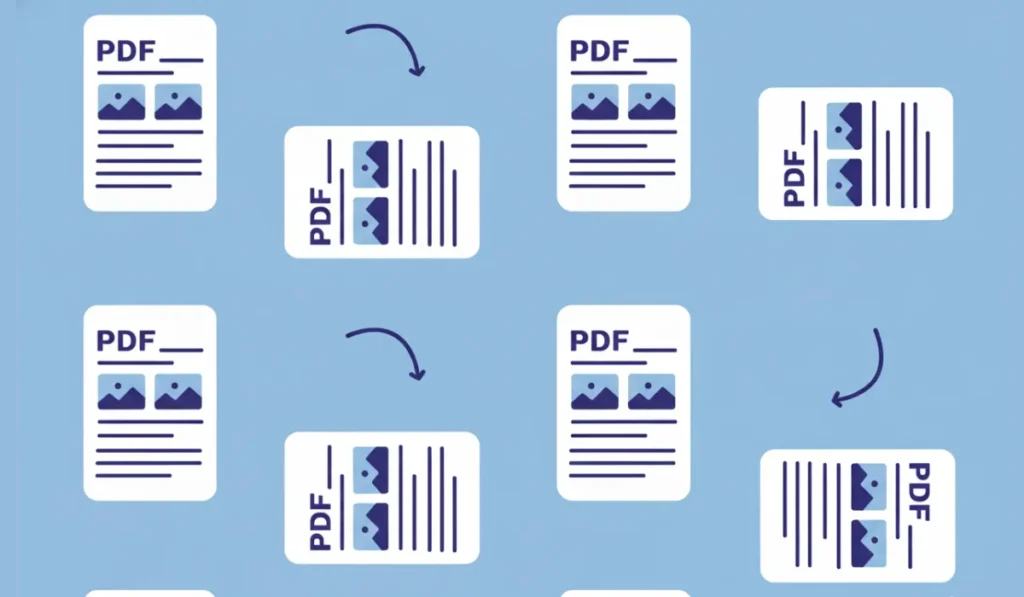
How to Rotate PDF Pages Online (Step-by-Step Guide)
PDF files are great for sharing documents, but sometimes pages don’t appear the way they should. You might open a...
Pixellize
January 4, 2026
4 Min Read
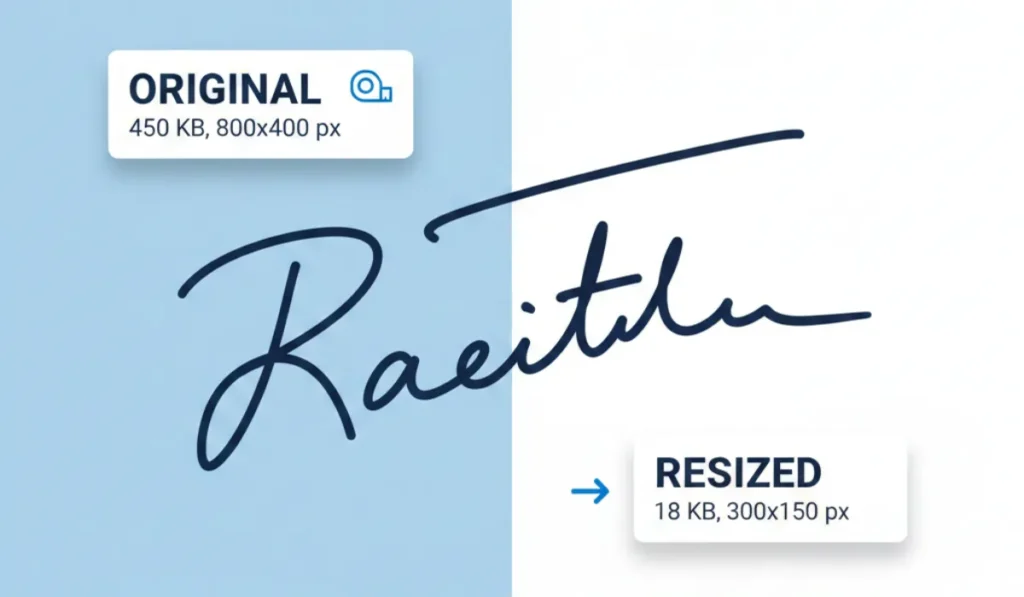
How to Resize Signature Images to 20KB & 50KB
If you have ever tried to fill out a government job application, a visa form, or a college registration, you’ve...
Pixellize
December 31, 2025
4 Min Read